
DarkSouls Diffusion
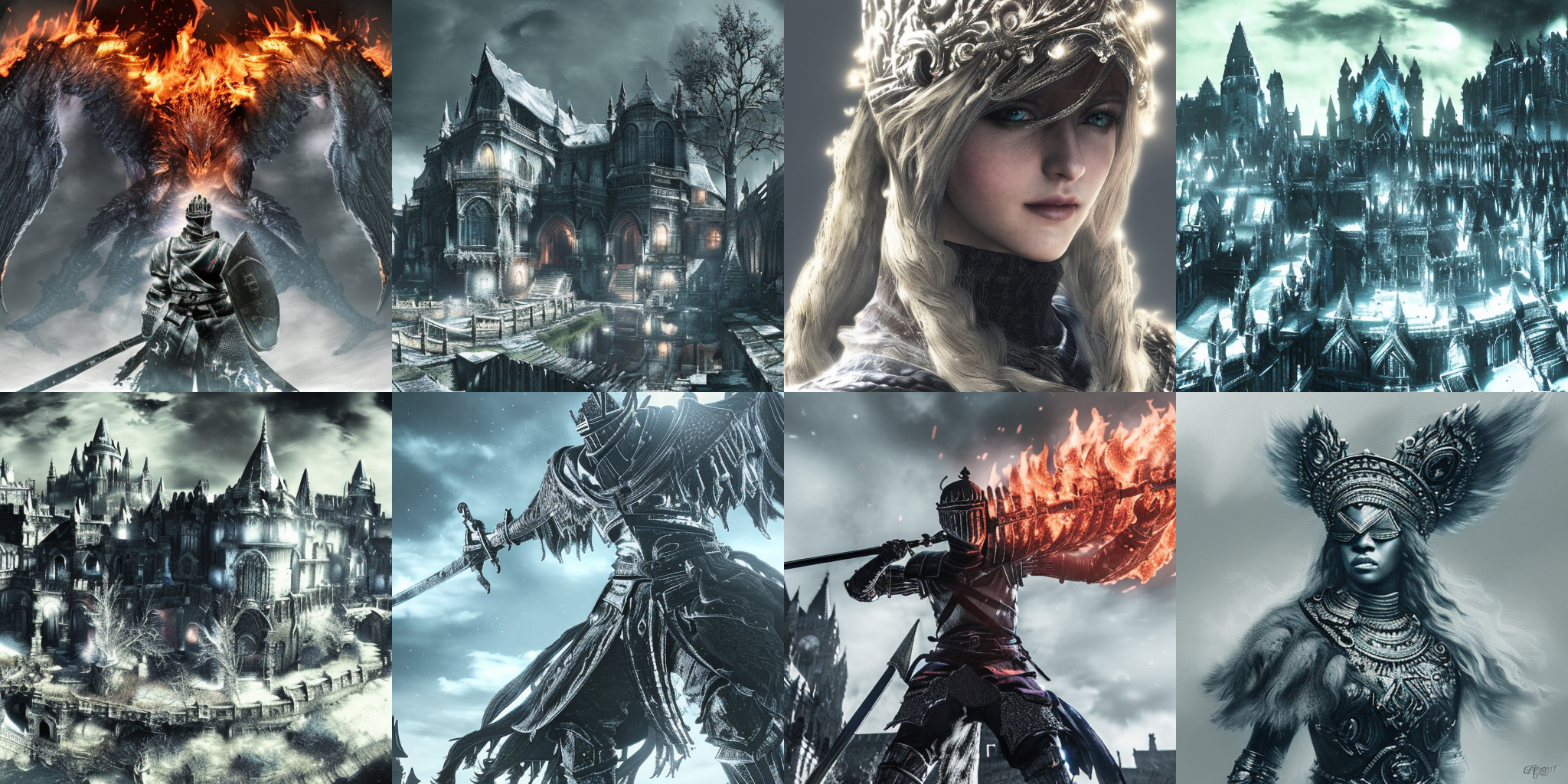
This is a Dreamboothed Stable Diffusion model trained on the DarkSouls series Style.
The total dataset is made of 100 pictures, and the training has been done on runawayml 1.5 and the new VAE, with 2500 steps (LR1e-6) then 24k more steps (LR1e-7).
The token "DarkSouls Style" will bring in the new concept.
The recommended sampling is k_Euler_a or DPM++ 2M Karras on 20 steps, CFGS 7 .
🧨 Diffusers
This model can be used just like any other Stable Diffusion model. For more information, please have a look at the Stable Diffusion.
You can also export the model to ONNX, MPS and/or FLAX/JAX.
from diffusers import StableDiffusionPipeline
import torch

model_id = "Guizmus/DarkSoulsDiffusion"
pipe = StableDiffusionPipeline.from_pretrained(model_id, torch_dtype=torch.float16)
pipe = pipe.to("cuda")

prompt = "a soldier engulfed in fire, DarkSouls Style"
image = pipe(prompt).images[0]

image.save("./DarkSouls Style.png")
- Downloads last month
- 106